
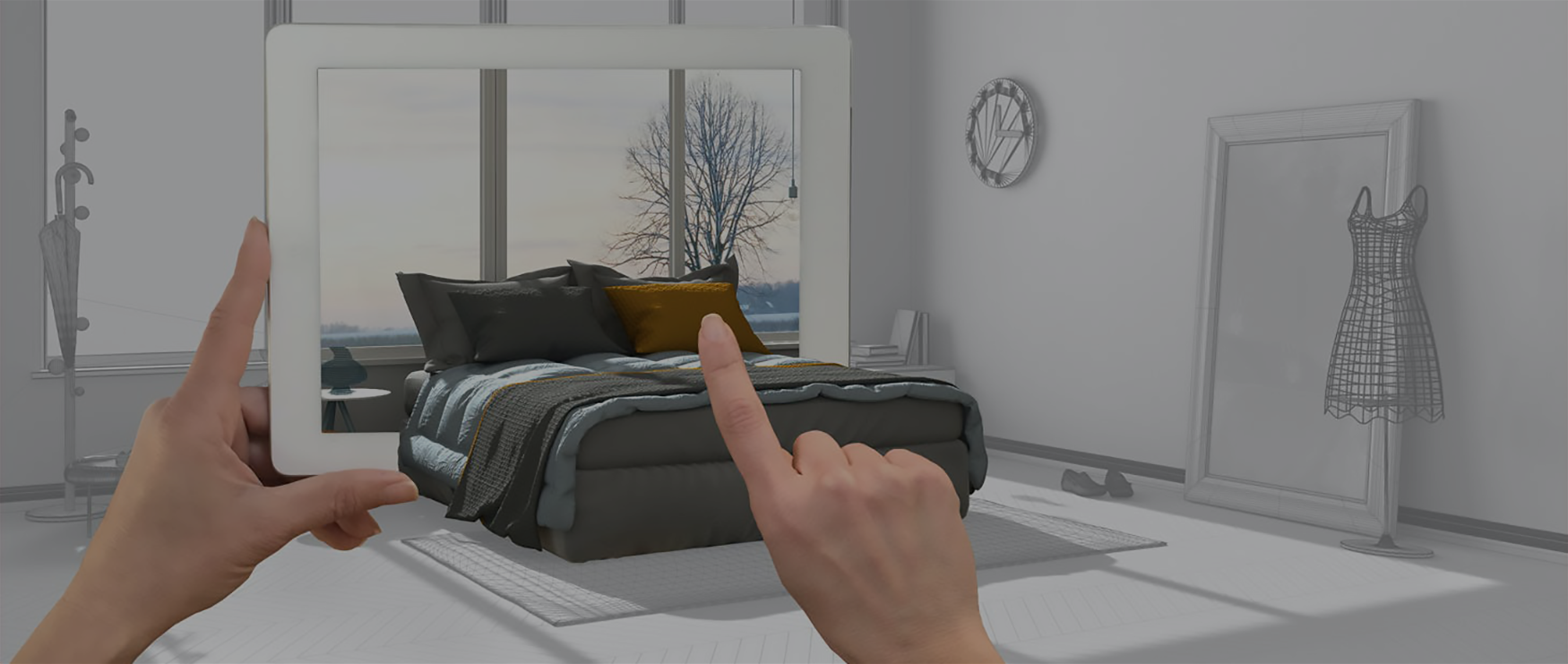
Photogrammetry in augmented reality is the technique of turning a series of ordinary photos into an accurate 3D model that an AR app then places into the real world. It is how a furniture app shows a real sofa on your floor at true scale, and it is usually faster and cheaper than laser scanning or modeling by hand.
This guide covers how photogrammetry works in AR, why it fits AR so well, and what it takes to build an app with it.
Program-Ace is an AR app development company that has built augmented reality since 1992, across 900+ projects.
What do AR and photogrammetry have in common?
Augmented reality displays virtual models on top of the real world through a screen, usually a phone.
To show a virtual object convincingly, the app needs an accurate 3D model of it, and that model has to come from somewhere. Photogrammetry is one of the three ways to produce it.
Building 3D models from photos
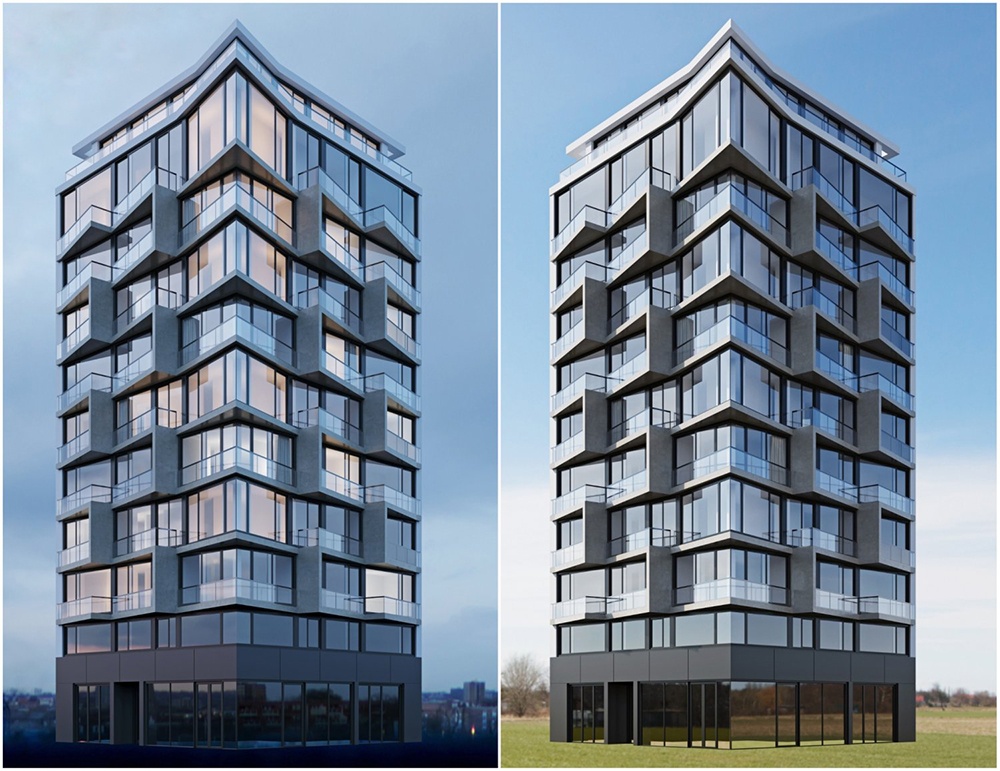
With photogrammetry, you collect a series of photographs of one object or location, process them in software, and get an accurate 3D model out.
Shots can be long-range, such as aerial photography for large areas and structures, or close-range to capture an object in full texture and volume.
Building 3D models with scanners or by hand
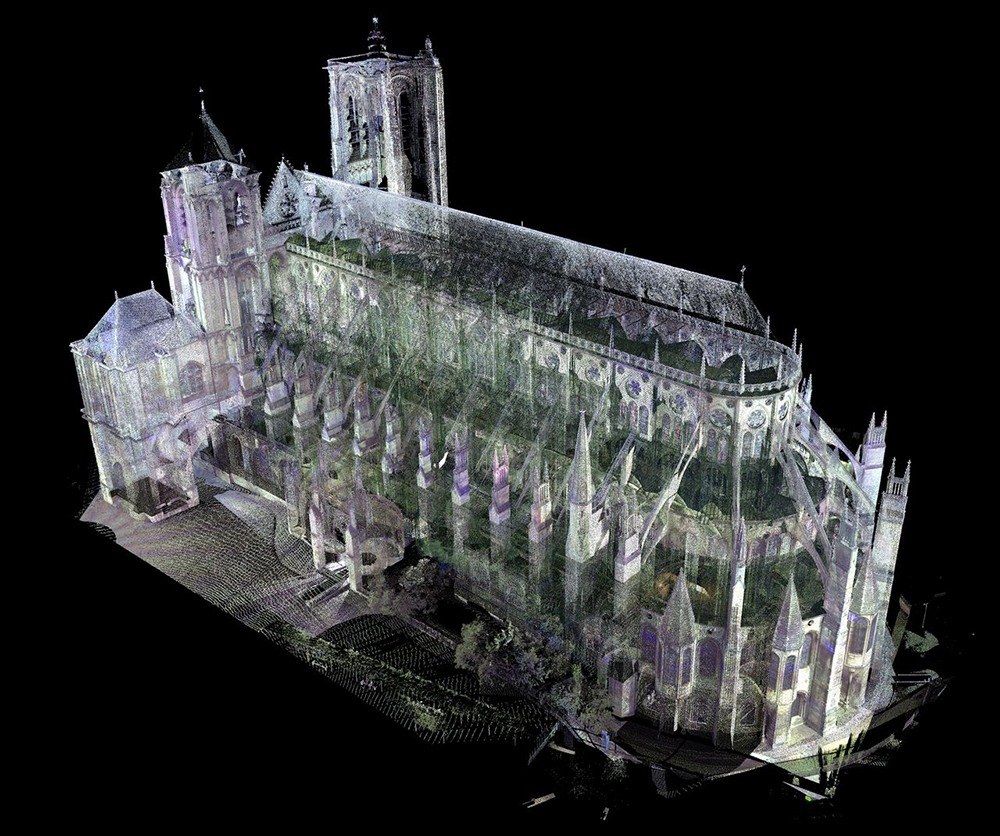
Of the other two methods, only 3D scanning matches photogrammetry for accuracy.
Manual modeling needs no measurements and gives full creative freedom, but its accuracy depends on how much real-world data you feed it. That trade-off is why photogrammetry sits in the middle: accurate like scanning, cheap like a phone camera.
Why is photogrammetry good for AR?
Among the three modeling methods, photogrammetry has four clear advantages for AR.
- Cost. Nearly everyone carries a capable camera in their phone, so you can shoot the source photos for free unless you need aerial or drone shots. 3D scanning, by contrast, needs specialized scanners that run into thousands or tens of thousands of dollars.
- Accuracy. A hand-built model relies on memory and estimated proportions, so even a careful attempt is imprecise. Industries like construction and retail need models that match reality closely, and photogrammetry derives its geometry from the object itself rather than a guess.
- Few restrictions. Almost anything you can photograph can become an asset, from a coffee table to a distant comet. The same technique gave us early rotatable visualizations of Earth. The limits are practical: settings you cannot photograph cleanly, such as underwater or underground, are hard to capture this way.
- Speed. Shooting takes minutes and processing is often fast, so a usable model can be ready in hours. Hand-modeling the same asset can take days. In a build process that is already long, that time back is worth a lot.
How is photogrammetry integrated into AR?
The idea is simple, but adding it to an AR app takes more steps than most people expect.
1. Capturing the references
Every AR app needs data to display objects, and here that data is photos. Usually at least three pictures of an object are taken from different angles and heights, and it is common to use two or more cameras during capture.
2. Converting the data
You cannot drop raw photos into the app and call it done. Software analyzes the images, works out their spatial dimensions and positions, and reconstructs the object in three dimensions. The 2D photos become a 3D mesh, a patchwork of small connected pieces that form the asset.
3. Uploading and configuring the assets
A finished 3D asset still has to be configured for the app before it goes in.
File size matters, since an over-heavy asset bloats the app and slows it down. The model has to fit the app’s world with the interactive and mechanical behavior you planned. The source photos were static, but the asset can be animated and customized from there.
What do you need to build an AR app with photogrammetry?
As with any digital product, software comes first.
AR apps are usually built for mobile, though some target desktop or web, so you need the right tools to deploy on your chosen platform. At minimum you need an IDE to hold the code, but specialized software does most of the heavy lifting.
AR software
Most teams build on established engines and SDKs like Unity, Unreal Engine, Vuforia, ARKit, and ARCore, which save significant development time. This is the approach the majority of software companies take.
Photogrammetry software
These programs turn the visual information in your photos into digital assets. The most widely used include:
Other requirements
Beyond software you need hardware for each stage: a camera for the source photos, a computer to run asset creation and write code, and mobile devices to test on iOS and Android. If the app has networking features, plan for hosting or cloud services to handle user traffic.
Finally, unless you build alone, you need a team: several developers, designers, QA engineers, and at least one project manager. If you are short on people, a dedicated team can fill the gaps in your talent pool.
A real example: Photogrammetry in an AR app
For a concrete case, look at FurnitARe, an app Program-Ace built using photogrammetry to produce accurate 3D assets of furniture, which became the core of the product.
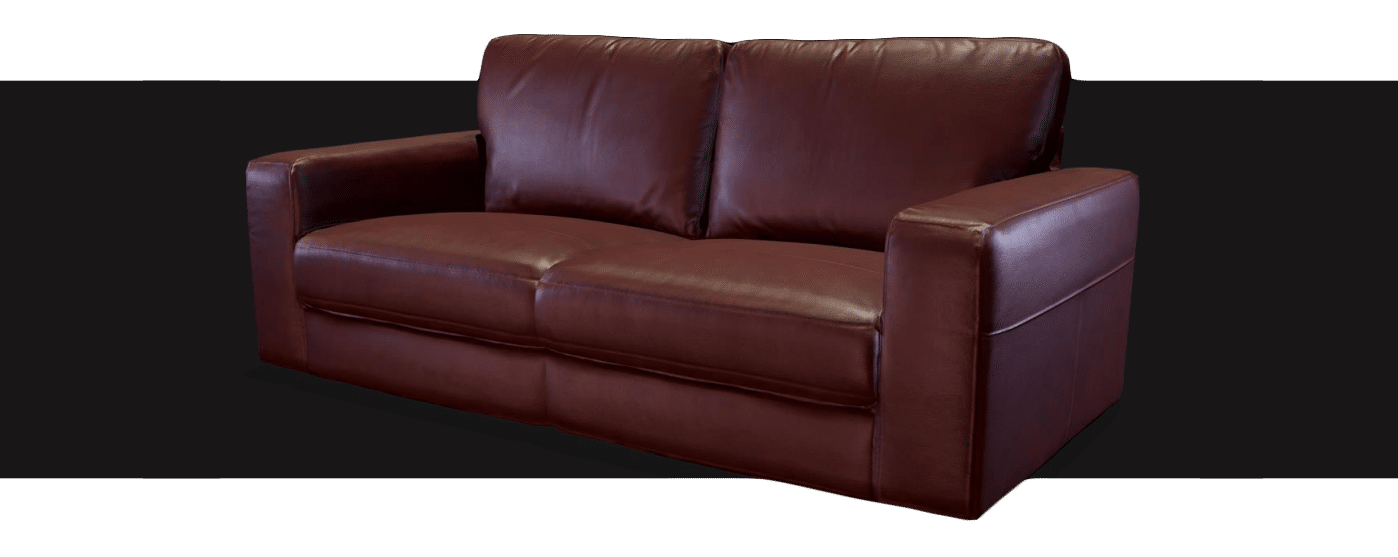
The first problem was a high polygon count.
The captured assets were too detailed, which inflated file size and slowed performance. The fix was retopology, reducing polygon count while keeping the look intact. The team rebuilt the assets in 3ds Max, Maya, and ZBrush, then integrated them into the app.
The result cut the production cost and time usually tied to work at this level, and the optimized assets ran smoothly in animation. Custom modeling or scanning would have added substantial cost or pushed the timeline out.
Augmented reality development services
Building an AR app can look daunting to a business new to the technology, and that is where a development partner helps. Whether you use photogrammetry or another method for your 3D assets, our specialists can build them along with the app interface, mechanics, and full package.
Program-Ace has worked in AR, MR, and VR since 1992, delivering products like FurnitARe across 900+ projects. To discuss your project, contact us.